

Clinic and laboratory
Opens the order, assesses the design and gives the final approval. Keeps its own patient records.
Get started as a clinicDentMesher is a B2B digital dental design platform that brings dental clinics and laboratories together with digital dental designers in a single workflow. Upload your scan; the design is checked by an independent expert dentist before it is presented to the clinic.
Opening an account is free. Already a member? Sign in
In most places today, the digital design of a crown, bridge or implant-supported restoration runs on email, file links and phone calls. Which version of the file is current, who received the design, whether a specialist reviewed it, whether the clinic approved it — all of it lives in someone’s memory.
DentMesher puts that flow on the record. When a clinic opens an order it states the indication, the material, the arch, the tooth numbers and the deadline, and uploads the scan files. Every step the job takes from then on — whose hands it passed through, when it was delivered, how many revisions it went through — stays in the order’s own history.
When you open an order, you select the indication, material, jaw and tooth numbers; the designer receives the job with this information.
For implant-supported work, the implant brand and model are specified in the order. Design service details
The clinic enters the indication, material, arch and tooth numbers, uploads the scan and sets the deadline.
The job passes to a designer. The design time and the delivery deadline are shown separately on the job screen.
The design is reviewed by an independent expert before it is presented to the clinic; the expert records the decision with its justification.
The party who knows the patient has the last word: approve, or ask for a revision.
The approved design is ready for production. The design clock stops at this point.
The job closes; its files, rounds and evaluation remain in the order’s history.
If the specialist or the clinic asks for a revision, the job returns to the designer and a new round opens. Rounds never blur together: each round keeps its own files, its own time and its own reason.
An expert, separate from the designer, reviews the design before it is presented to the clinic and records the decision with its justification.
Puts the design’s measurements in front of the expert: wall thickness, occlusion with the antagonist, midline and arch form.
Revisions requested after clinic approval run against a defined entitlement; the rule is the same for both sides.
Uzman Ajan, the measurement assistant that prepares the report, only informs; the authority to send back for revision, approve conditionally and present to the clinic rests with a human.
Dentmesher Smile Design App lets you create a digital smile design on the patient’s facial photo. No installation required; it runs in a web browser.

Connect by accepting the invitation from your laboratory that uses DENTMESHER HUB; send your production order to your laboratory from the New Order screen and track its stages in the same list as your design orders. The production order is a separate record; design files are not transferred with it.
You can also post the production job to the Job Pool: laboratories do not see the patient or clinic name when bidding; you compare the bids and choose one.
Details for laboratoriesOpens the order, assesses the design and gives the final approval. Keeps its own patient records.
Get started as a clinic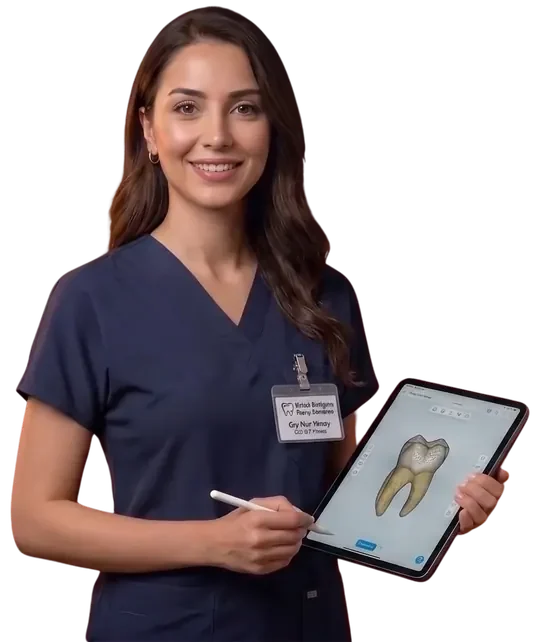
Takes jobs from the pool, prepares the design and delivers it. Runs the revision rounds.
Become a dental designer
Reviews the design independently, before the clinic does. Can send it back for revision, approve it conditionally, or pass it to the clinic.
Specialist reviewer applicationPatient records stay in the clinic’s own area. The patient name is not shown to the reviewing expert; if the clinic chooses to hide the patient name when opening the order on the web, the designer also sees the patient only by number. The mask applies in PDF output just as it does on screen.
The mask is not applied to the content of uploaded files and order notes; do not write the patient name in scans, photos, documents or notes.
DentMesher is a B2B platform where dental clinics and laboratories order digital dental designs, dental designers take on these jobs, and designs are checked by an independent expert dentist before they are presented to the clinic.
You can order crown, bridge, inlay/onlay, implant crown, implant bar, clear aligner, night guard, model and framework designs. You select the material, jaw and tooth numbers when you open the order.
Besides 3D files such as STL, PLY, OBJ, DCM, 3DS and STEP, you can upload exocad HTML scenes, PDFs, images and ZIP/RAR archives.
An independent expert dentist, separate from the designer, reviews the design before it is presented to the clinic. The expert can send the job back for revision, approve it conditionally or present it to the clinic, and records the decision with its justification.
Patient records stay in the clinic’s own area. The patient name is not shown to the expert who performs the review. The designer who takes on the job sees the patient name; if the clinic chooses to hide the name when opening the order on the web, the designer sees the patient only by number. The laboratory you send a production order to, or whose bid you select in the Job Pool, sees the patient name; laboratories bidding in the pool do not. The mask also applies to PDF output; the contents of uploaded files and order notes are not masked.
The expert or the clinic can request a revision; the job returns to the designer and a new round opens. Each round’s files, duration and reason are kept separately. Revisions after clinic approval draw on a defined allowance.
Opening an account is free. The order price is calculated based on your selections and shown on the order screen.
Yes. The Android app can be downloaded from our website; you can track your orders and review the 3D design. The platform can also be used in a web browser in Turkish, English, German and French.
 For Android
Download the App
Sürüm 9.15.1 · 9.9M
For Android
Download the App
Sürüm 9.15.1 · 9.9M